Worklist Credentials
The work list credentials page contains two tabs. Selecting the User tab displays a list of all currently configured worklist users. The Users tab is illustrated in the figure below:
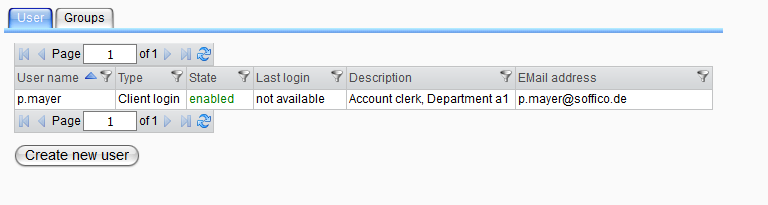
The panel functions similarly to the description provided in the chapter Monitor User. For detailed information, please refer to the topics Create a User and Edit User - Assign Access Rights. The key distinction is that not all options are available for worklist users.
The Groups tab presents a table of all existing worklist user groups, as shown in the following image:
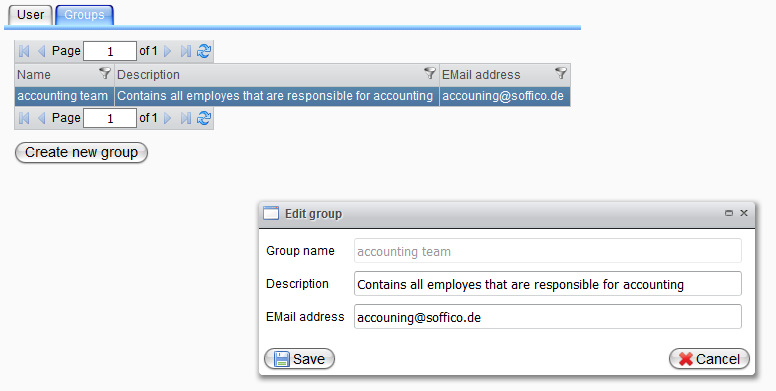
To create a new group of users, click the Create New Group button and enter the group's name and description. To modify a group, select the entry in the group table and use the context menu to open the edit dialog or initiate a delete action.
| Attribute | Description |
|---|---|
| Group Name | A name that uniquely identifies the group. |
| Description | A descriptive text that provides information about the role of the group. |
| Email Address | The email address that can be used to send worklist messages to the group (or all group members); this field may be null. |